Your foldable has two screens. Your wallpaper should be made for both.
DuoWallArt pairs a close-up for the tall cover screen with the full scene for the wide inner screen, cut from the same artwork. Opening your phone feels like a reveal.
Coming soon to theApp Store
See all ten pairs





One app, folded or open
Browse pairs on the cover screen, unfold, and carry on right where you were on the big screen.
Ten pairs to start
Each pair is drawn at the exact size of both screens and shown here side by side at the same scale. Pick one to try it on the phone above.
-


Dusk Ridges -


Night Dunes -
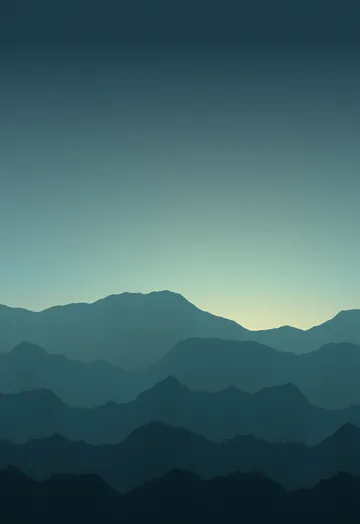

Teal Sunrise -
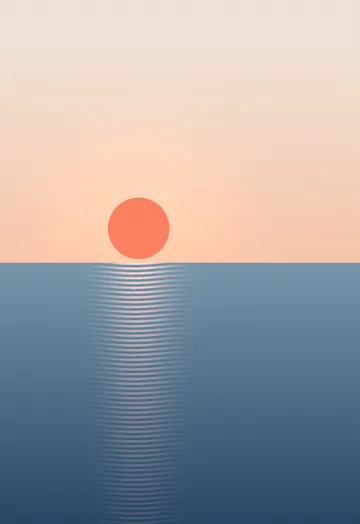
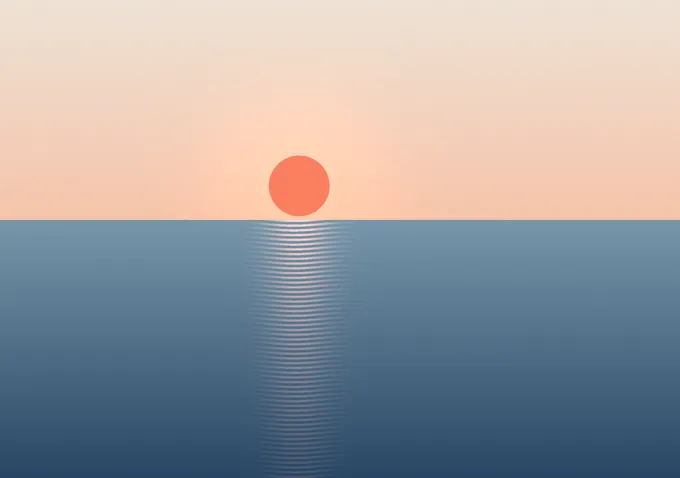
Calm Sea -
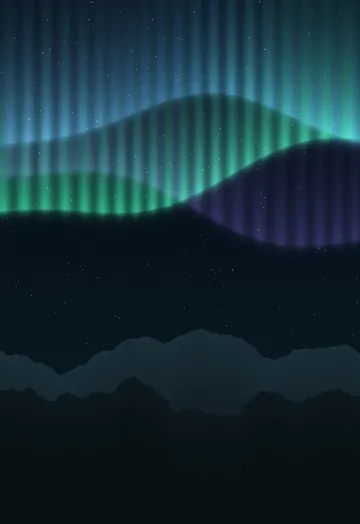

Aurora -
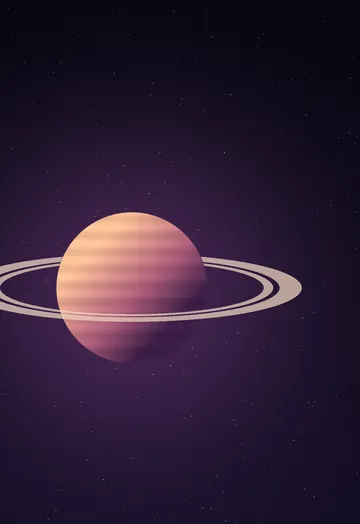
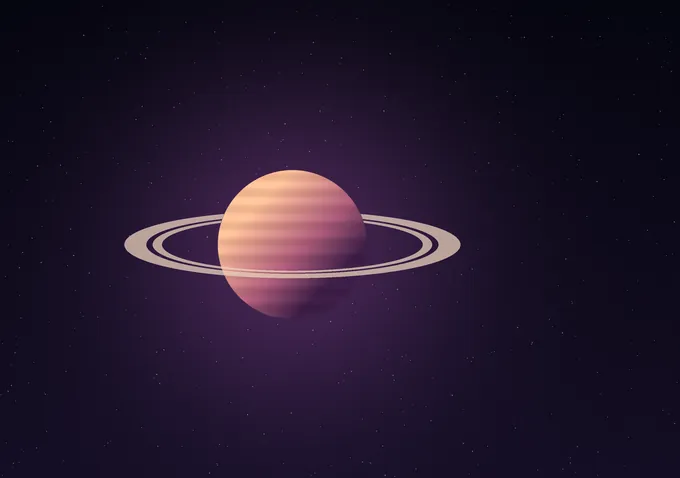
Ringed Planet -
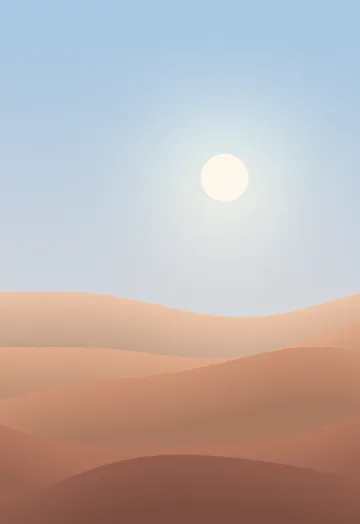
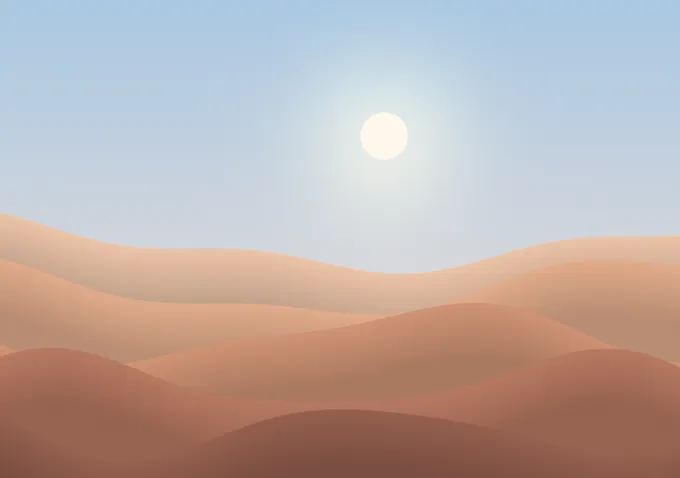
Pastel Desert -
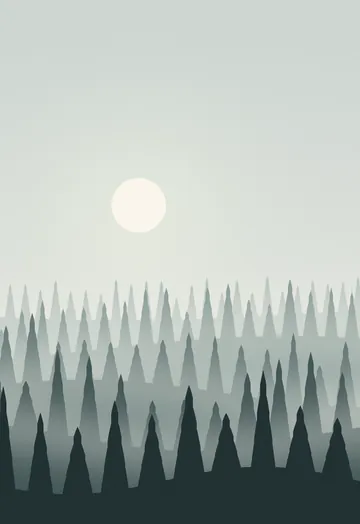
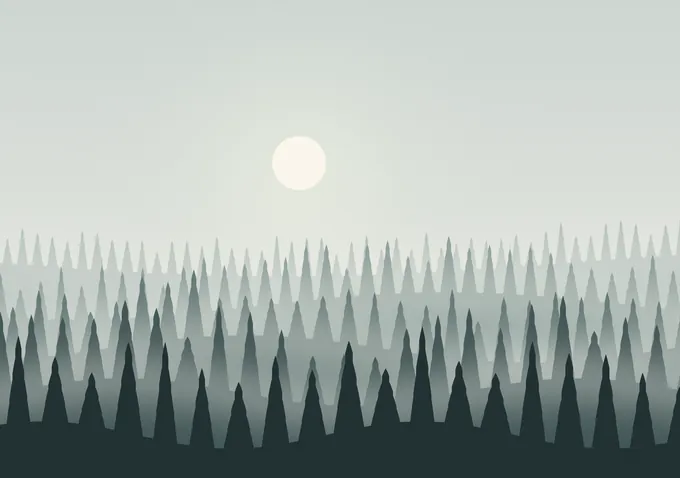
Foggy Pines -
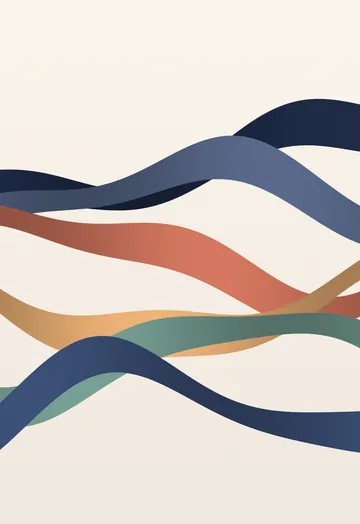

Ribbons -


Moon Lake
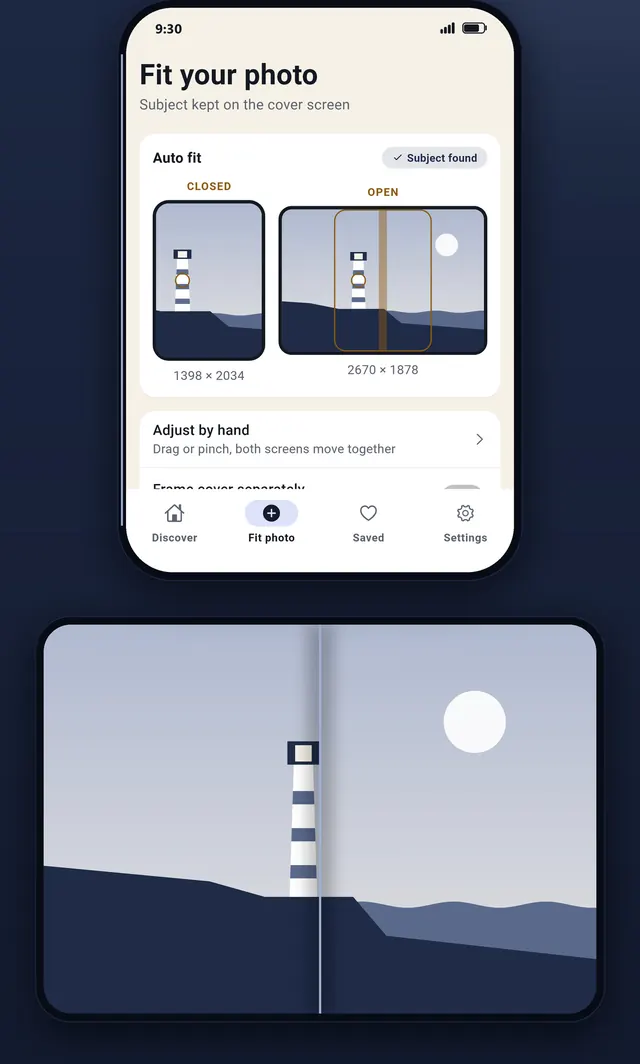
Your photo, never cut off
Pick a photo and DuoWallArt finds the subject on your phone, then keeps it inside the cover-screen slice. If the photo is smaller than the screens, fill the edges with Smart blur, Color match or Mirror.
Your photos never leave your phone.
Inside the app
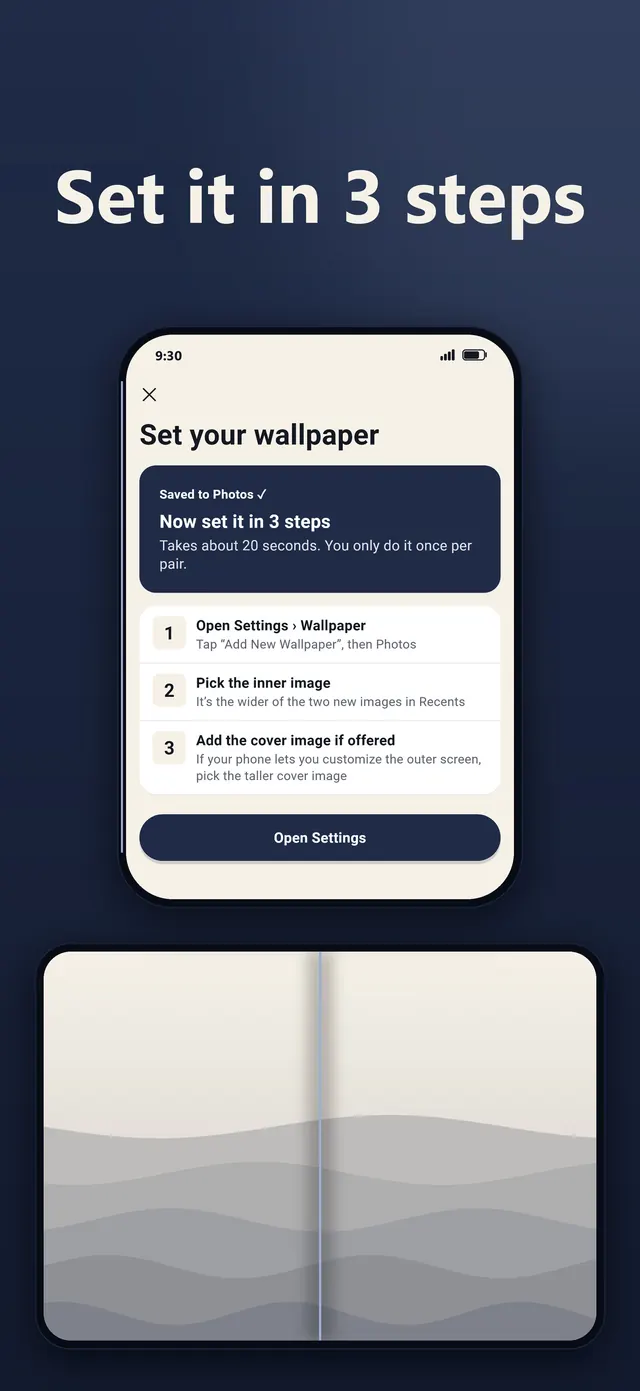
Preview every pair folded and open, keep the clock clear of faces, and follow a three-step guide to set it.
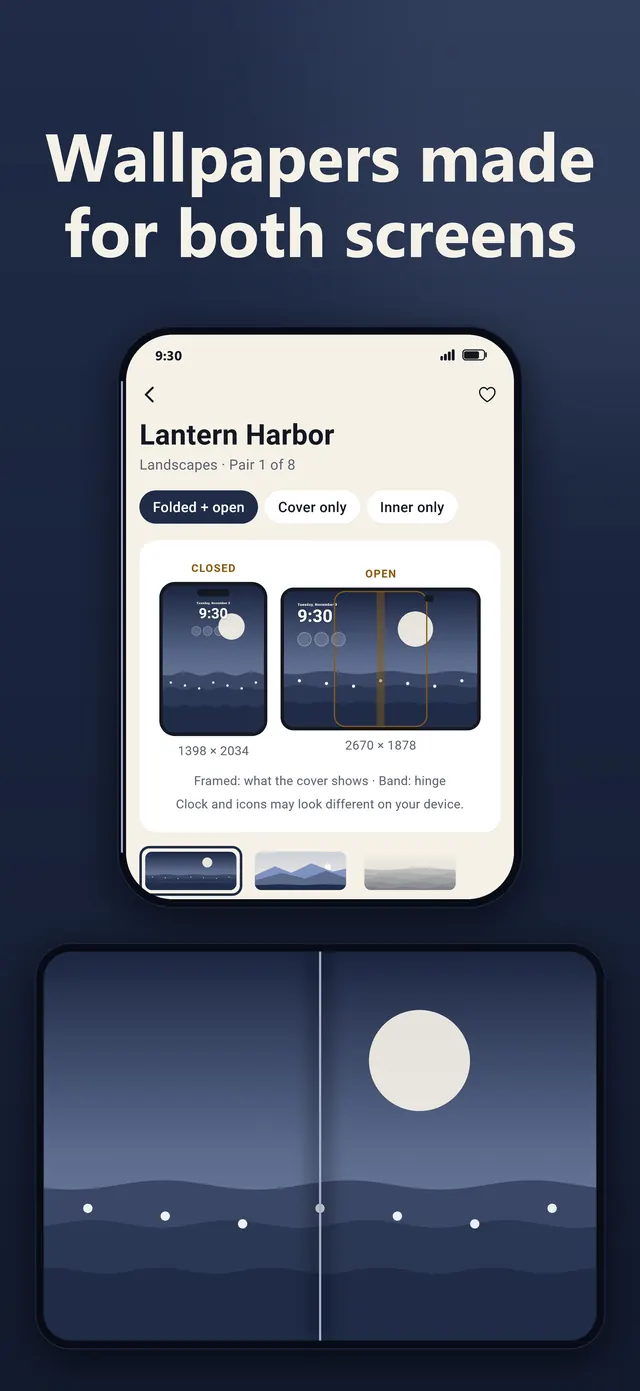
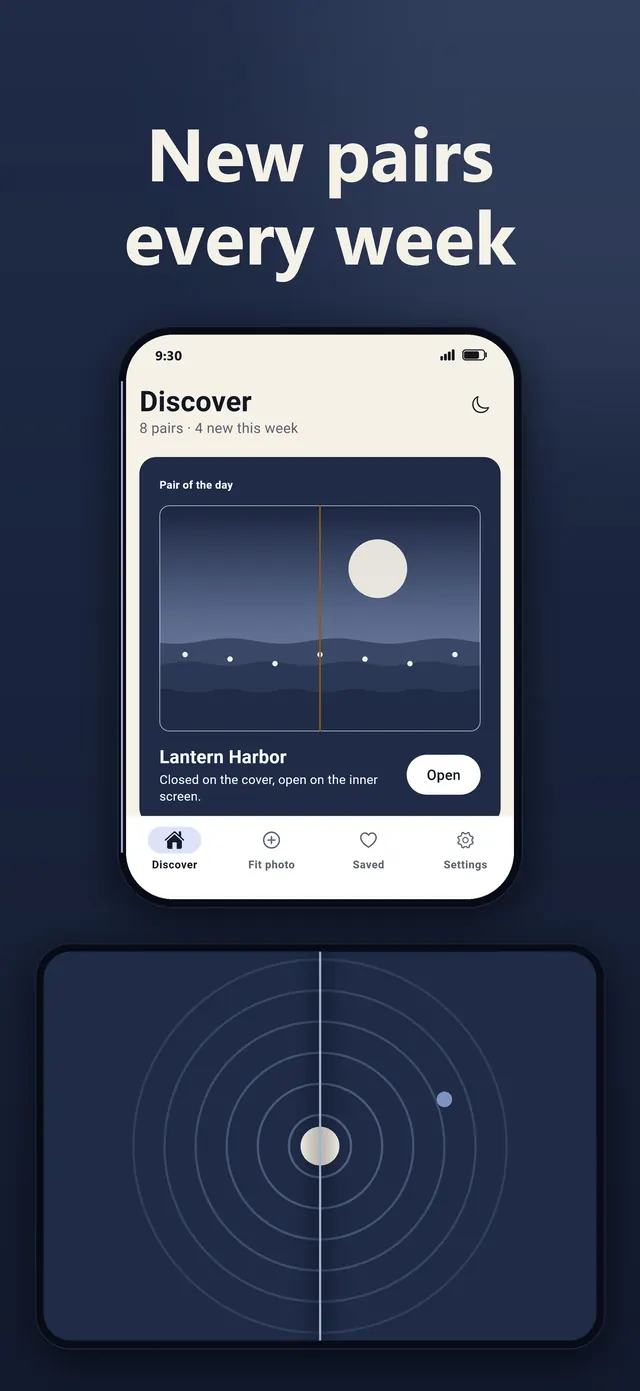
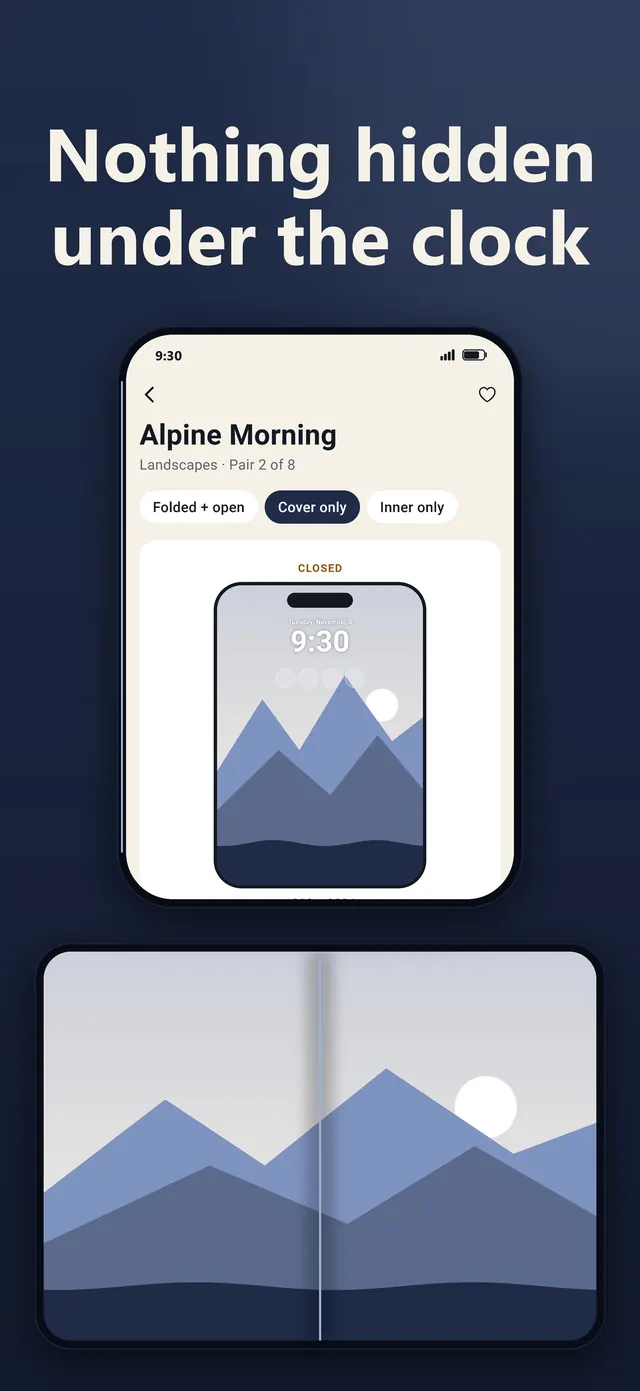
Preview it all. Go Pro for every pair.
Everything is free to preview, including Pro pairs and your photo fits, and you can save 2 free pairs a day. DuoWallArt Pro comes as a weekly or yearly subscription, or Lifetime: a single purchase, yours to keep. No ads, no account.
- Every pair, including all Pro collections and future pairs
- Unlimited saves
- Save your own photo fits
Prices are shown in the App Store in your local currency. Subscriptions renew automatically unless cancelled at least 24 hours before the end of the period; manage them in your App Store account settings.
The library keeps growing
New pairs are drawn in-house and arrive in the app without an update. The ten on this page are only the start.
Coming soon to theApp Store
Questions
Which phones does it work on?
DuoWallArt is made for iPhone Duo first: every pair is drawn for its cover screen (1398 × 2034) and its inner screen (2670 × 1878). It also works on other iPhones as a single wallpaper.
How do I set a pair?
Save the pair in the app. Open Settings › Wallpaper, tap “Add New Wallpaper”, then Photos. Pick the wider inner image, then the taller cover image if your phone offers it. The app shows these steps after every save.
Does DuoWallArt collect my data?
No account, no email, no advertising ID. Photos you fit stay on your phone. If you allow it, the app sends anonymous usage counts under a random ID that you can reset in Settings.
What does Pro include?
Every pair, including all Pro collections and future pairs, unlimited saves, and saving your own photo fits. Without Pro you can preview everything and save 2 free pairs a day. Choose a weekly or yearly subscription, which you can cancel at any time in your App Store account settings, or Lifetime, a single purchase that is yours to keep. You can restore purchases from the app at any time.
When can I download it?
DuoWallArt is coming soon to the App Store. On launch day the button on this page will take you straight there.
Who makes the wallpapers?
Every pair is original work made by Nurihan KAVALCI. New pairs reach the app without an update.
Press kit
App icon, all ten pairs at full resolution and screenshots in one download.